Camera installation and positioning inquiries
Describe the issue and your priorities so an independent professional can assess the appropriate scope.
BREERO · SECURITY & SMART HOME
One request. One pro. One call.
Connected devices should fit your property and everyday routines. BREERO helps organize installation and setup requests for independent professionals to review.
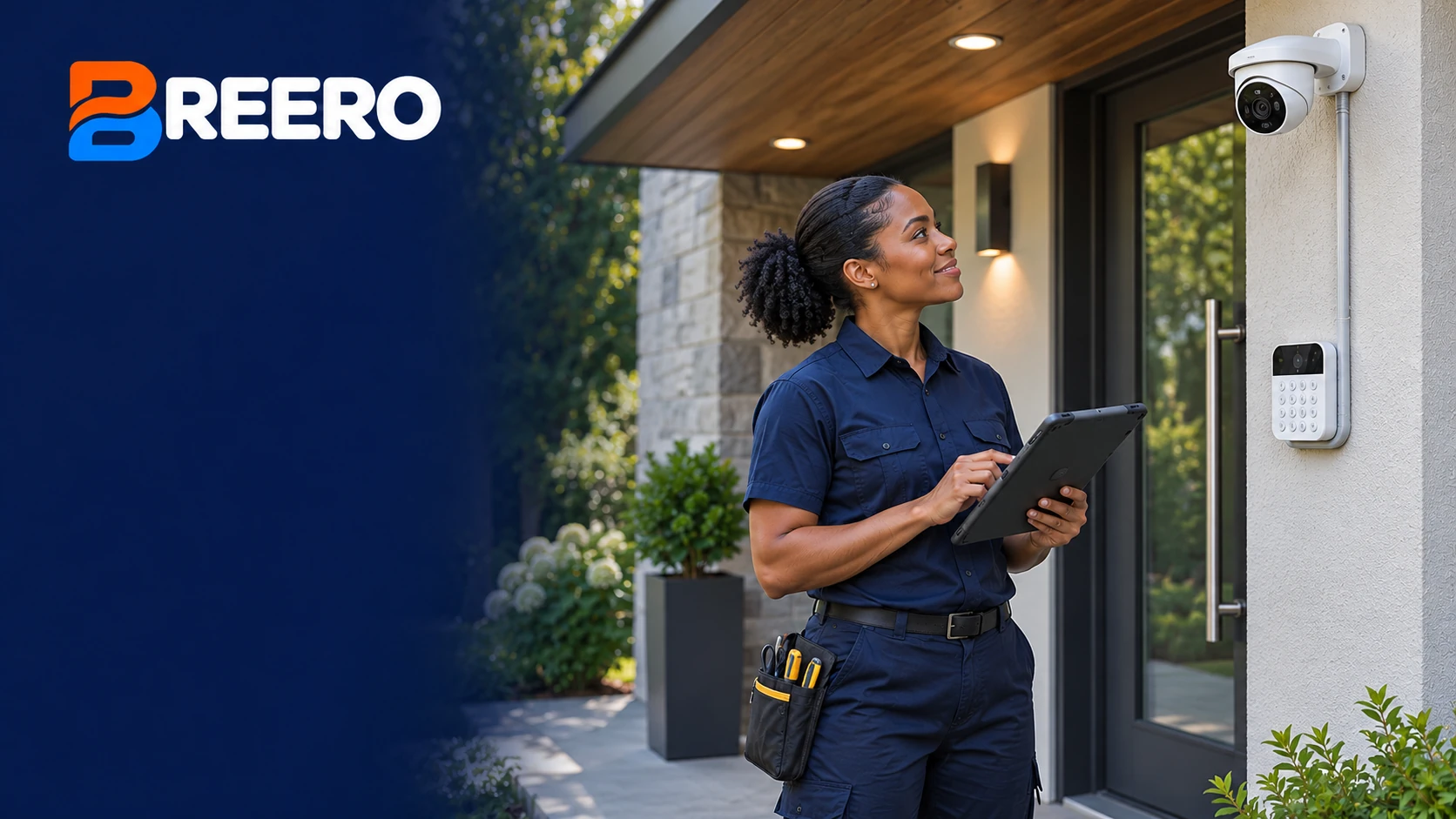
WHAT YOU CAN ASK ABOUT
Describe the issue and your priorities so an independent professional can assess the appropriate scope.
Describe the issue and your priorities so an independent professional can assess the appropriate scope.
Describe the issue and your priorities so an independent professional can assess the appropriate scope.
Describe the issue and your priorities so an independent professional can assess the appropriate scope.
HOW IT WORKS
Describe the property, the service, and what is happening. One request gives us a useful starting point.
Discuss your priorities and the details that help us explore an appropriate independent professional.
Consider the provider, proposed work, price, and timing. You approve the work before it moves forward.
WHAT TO EXPECT
BREERO helps coordinate. Your independent professional assesses the property, explains proposed work, and confirms any charges.
Request Security & Smart Home HelpList the devices, installation locations, and desired functions.
The provider reviews compatibility, connectivity, and installation needs.
Confirm account ownership, setup responsibilities, subscriptions, and charges.
QUESTIONS, ANSWERED
Include the brand and model of each device. The provider confirms compatibility, required accessories, and whether the equipment fits the proposed installation.
Not automatically. Ask the provider to identify any separate manufacturer, storage, monitoring, or connectivity subscriptions before choosing equipment.
Discuss account ownership and access during setup. Your agreement should explain how you receive administrative control and how temporary installer access is removed.
RELATED SERVICES